Yuhox Relay.
If one computer is online, the whole room can go online.
How to start
Download the installer
No sign-up, no contact form. Checksums are printed on the download page so you can confirm it is our file.
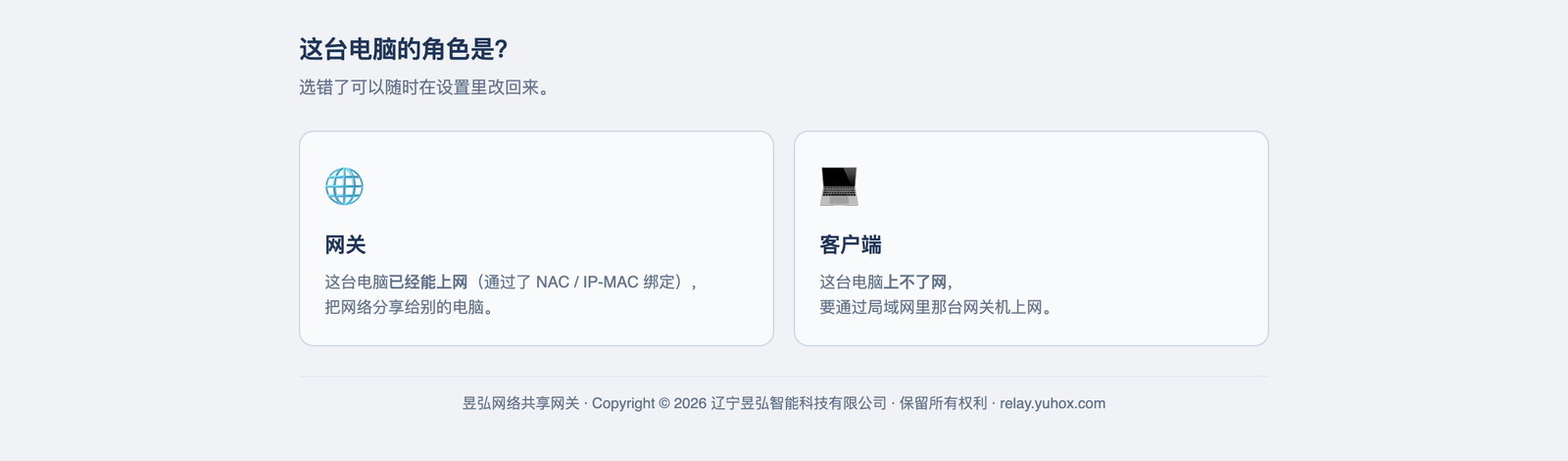
Pick a role after install
The machine that already has internet is the gateway; the others are clients. Same installer.
Uninstall if it does not fit
Uninstall restores the system settings it changed.
What it solves
Many organizations' networks admit traffic per machine: the cable is plugged in, the link light is on, but no web page opens, because this machine was never registered. Registration takes paperwork, while the person is already at the desk, the meeting is already running, and the work is already piling up. In moments like that there's usually one computer in the room with internet — it already is the exit; someone just has to turn it into one. That's the one thing Yuhox Relay does: install it on the online computer and choose "gateway", install it on the others and choose "client", and a minute later the whole room is online. No router configuration, no touching the switch, no calling the network admin.
Before and now
| Before | Now |
|---|---|
| Unregistered new machines cannot get online, and the process takes days | Use the PC next to you that already has internet as the exit. You can work the same day, then turn it off once registration is done |
| The meeting room has only one working network port; everyone else is on a phone hotspot | Turn the wired machine into a gateway; one port covers a whole room |
| Sharing a network means changing the router, touching the switch, calling the network admin, and they may still refuse | Install one program on each of two PCs; no network hardware is touched |
| The system proxy was changed temporarily, then forgotten; the next day, somewhere else, there is no internet | Restores on exit. If the program crashes, the next launch restores first, then continues. |
| Turn sharing on and the next office hops on. The network fills up. | Whitelist by subnet; only the machines you specify get through |
| Do not know whether this network can even be used this way; only option is to try | A health check runs after install, first telling you whether it will work and what the risks are |
Core capabilities
- 01
One installer, two roles
The machine that has internet: choose "Gateway". The ones that do not: choose "Client". It is the same installer.
- 02
Clients need no setup
Finds the gateway on the same LAN automatically and connects when found. It takes over the system proxy and restores it on exit.
- 03
One port, two protocols
SOCKS5 and HTTP use the same port. Browsers, download tools, and developer tools all work; users remember one address.
- 04
System-wide passthrough
On Windows you can turn on routing mode so all traffic on the machine goes through the gateway, without configuring each app.
- 05
Only let the right people in
Whitelist by source subnet so the office next door cannot connect.
- 06
Health check right after install
It first checks whether this network can use this method and what the risks are, then lets you start — instead of leaving you to try it yourself.
Who it is for
People who suddenly have extra machines in the office
The new machine has not finished registration, but the work has to happen now
Travel, on-site postings, temporary offices
One network port, a room full of people, and no time to wait for cabling
Test machines in labs and server rooms
A few machines only need to download something occasionally; not worth registering each one on the network
Old equipment at home
Some devices only know how to use a proxy and cannot dial themselves
Why this one
Ready to use after install; no license asked
We don't plan to charge for this software. No license key, full functionality — nowhere in it does an "unauthorized" state switch a capability off.
Does not touch network gear
No router changes, no switch changes, no need for the network admin. Everything it does happens on two computers.
Whatever it changes, it restores
Before changing the system proxy, the original value is saved to disk. Normal exit restores it; after a crash, the next launch restores it first. Using this software will not leave the machine unable to return to how it was.
Your traffic never comes to us
All forwarding happens inside your own LAN. We receive no traffic, addresses or visit records at all. It's not a promise not to look; the path simply doesn't exist.
Risks first, then you can use it
Some organizations forbid this kind of software. We put that in the install notes, in the product, and on this page — not after something goes wrong and the user is left holding it.
Same job, two ways
The left column describes how most people handle this today; it does not refer to any specific product.
| Topic | Common practice | Yuhox Relay |
|---|---|---|
| Get another machine online | Ask IT to change a router or switch, then wait for approval | Install one program on each of two PCs; no network hardware is touched |
| How to set up clients | Type IP and port by hand; one typo costs half a day of troubleshooting | Finds the gateway on the same LAN automatically and connects when found |
| Protocol | One port for SOCKS, another for HTTP — users cannot remember them | One port accepts both. Users only remember one address. |
| Changed system settings | You change it back by hand; forget, and things break | Restores on exit. After a crash, the next launch restores too. |
| Who can connect | Once on, the whole subnet can use it | Subnet whitelist; only specified machines are allowed |
Key parameters
| Form | Desktop software; one installer, two roles |
|---|---|
| Platform | Windows 10+ / macOS 12+ / Linux (deb and AppImage) |
| Proxy | SOCKS5 (including UDP) and HTTP share one port |
| Auto configuration | PAC script; intranet addresses connect directly |
| System-wide passthrough | Windows routing mode; requires administrator rights |
| Access control | Source-subnet whitelist |
| Start on boot | Gateway installs as a system service. The client starts when the user signs in. |
| Pricing | Free |
The feature notes above change with versions; the version you actually download is what counts. This software shares one computer's internet with other computers on the LAN. Before using it on an office, school, hotel or similar network, get permission from whoever administers that network. Quite a few organizations' network rules forbid this kind of sharing. Whether it complies with your network's rules is for you to confirm.
Up front
Is it really free? Will you start charging later?
The version you download now is free, with no features cut and no license key. If a paid version comes later, this build already on your machine will not stop working because of that.
Will installing it mess up my computer?
It only changes two things: the system proxy on the client, and the network sharing switch on the gateway. Original values are saved first and restored on exit. If the program crashes, the next launch restores them before doing anything else. Uninstall restores them too.
Does my traffic go through your servers?
No. All forwarding happens on your own LAN, directly between two computers. The software does not send traffic, visited addresses or logs anywhere.
Will this cause problems on a company network?
Technically it works, but whether you may use it is a question for your organization. Many organizations forbid sharing the network with unregistered devices. Get permission first.
A blue-background, white-text warning when installing on Windows?
Click the small "More info" line in the window; "Run anyway" appears below. We have not bought a Microsoft code-signing certificate; any software without one gets this prompt.
Does it need administrator rights?
Clients do not need it. The gateway does not either if it only uses proxy mode. Admin rights are needed once if you turn on whole-machine routing, or install it as a start-on-boot system service.
How many machines can one gateway support?
Limited by the bandwidth and performance of the gateway machine itself. Everyday office work, web, and file transfer for about ten machines is fine. If everyone streams video or downloads large files, the bottleneck is the network cable, not the software.
Is source code available?
Not open source for now. The software is free, but the code is not public yet.
Hard constraints in the system
These are gates in the software — even a code change is not allowed to remove them. What is in the contract still governs.
No charge, and we do not check whether you have a license
No license key needed for full functionality. Nowhere in the software does an "unauthorized" state turn a feature off.
If it changes the system, it restores it
Before changing the system proxy, the original value is saved to disk. Normal exit restores it; if the program crashes, the next launch restores first, then works.
We do not look at your traffic
The software only forwards on this machine. No traffic, addresses, or access logs are sent to us.
Download and try it
No registration, no application, no contact details. If it does not fit, uninstall it; it restores the settings it changed.