Capabilities and parameters。
Deliverables, key parameters and account integration. For use cases and FAQs, go back to the overview.
Product introduction
Deliverables
- 01
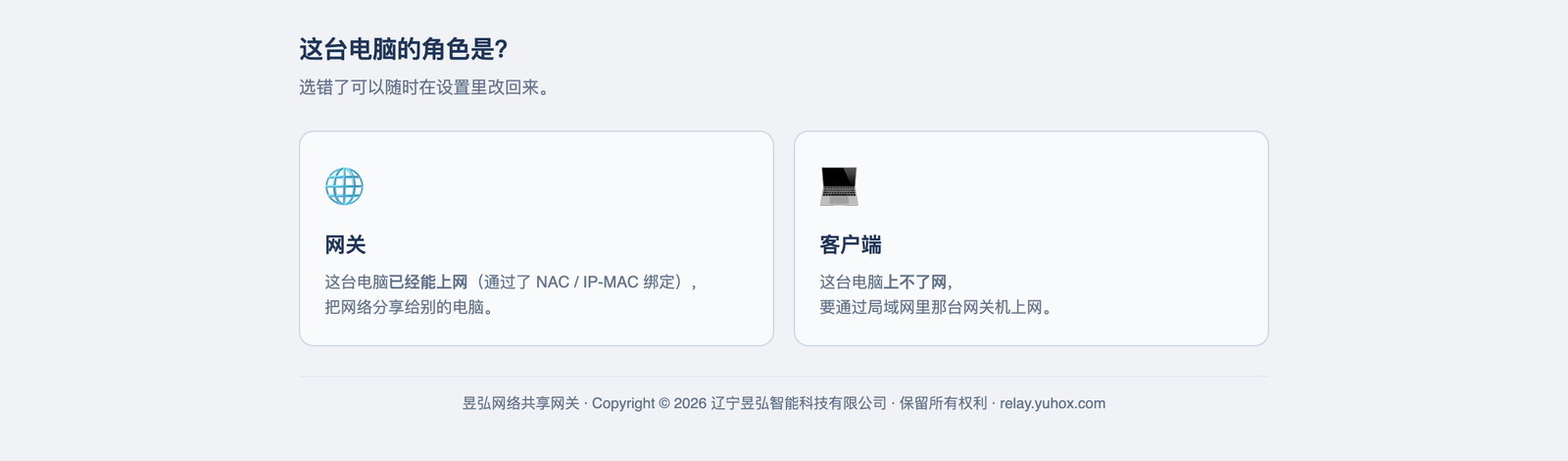
One installer, two roles
The machine that has internet: choose "Gateway". The ones that do not: choose "Client". It is the same installer.
- 02
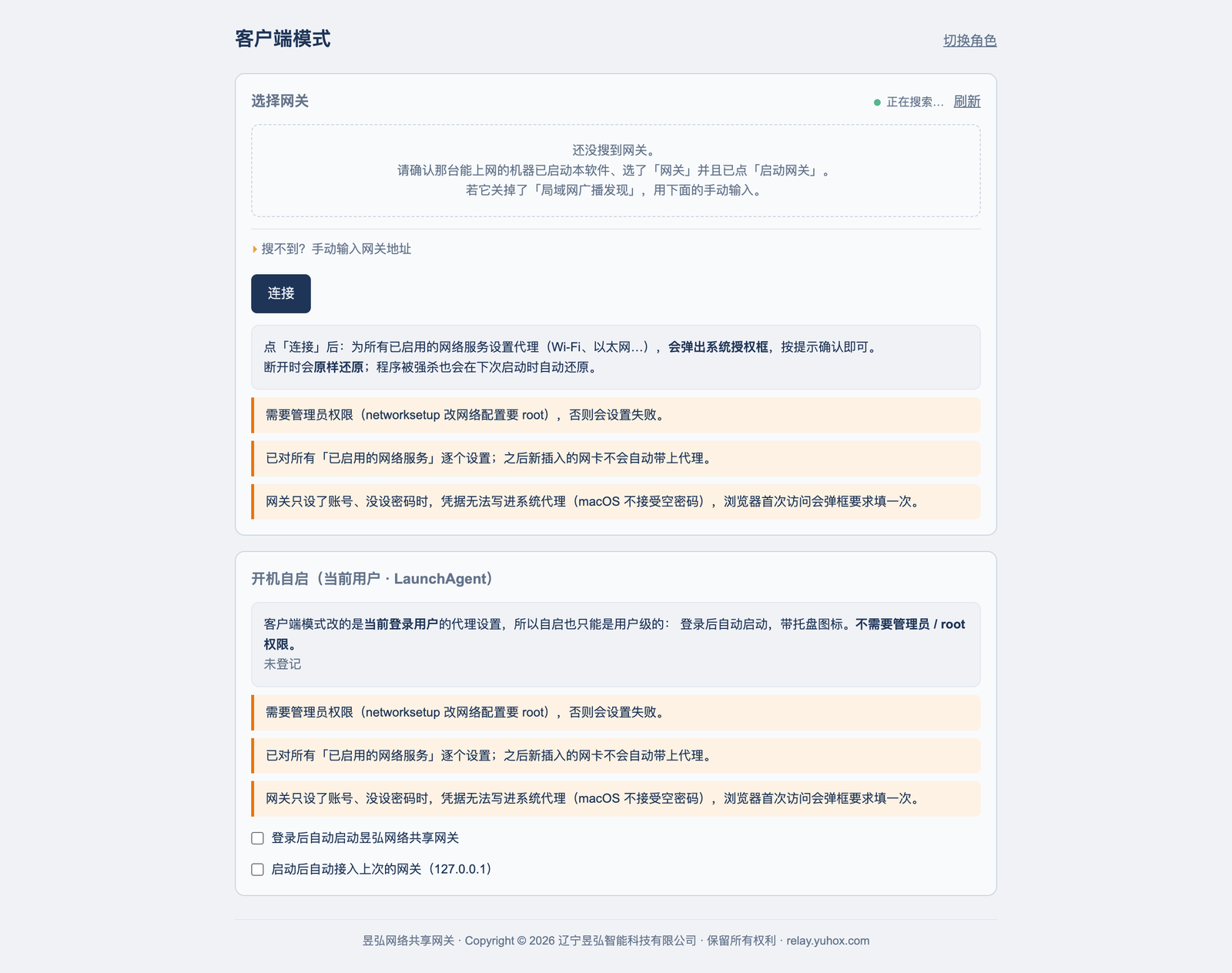
Clients need no setup
Finds the gateway on the same LAN automatically and connects when found. It takes over the system proxy and restores it on exit.
- 03
One port, two protocols
SOCKS5 and HTTP use the same port. Browsers, download tools, and developer tools all work; users remember one address.
- 04
System-wide passthrough
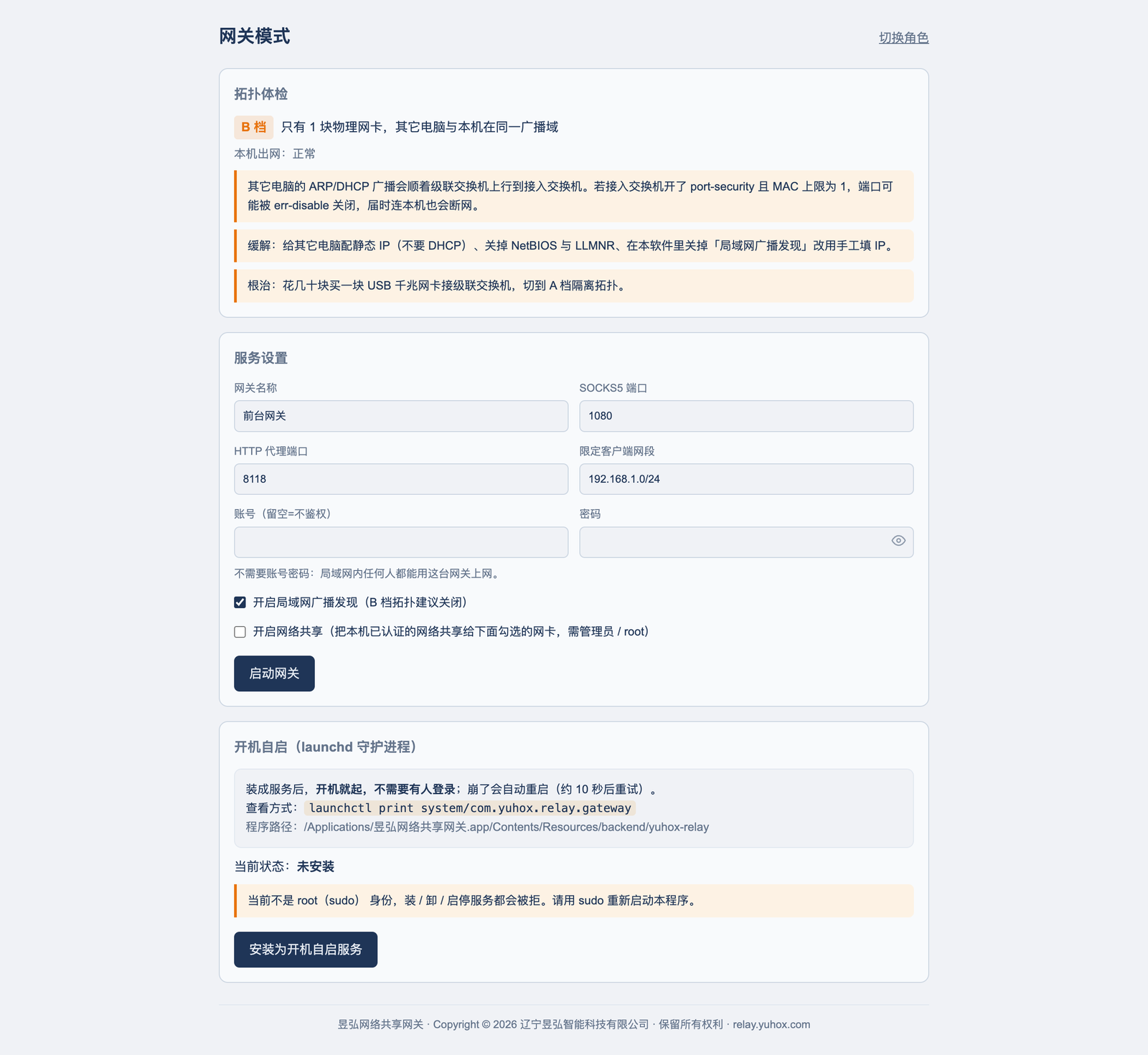
On Windows you can turn on routing mode so all traffic on the machine goes through the gateway, without configuring each app.
- 05
Only let the right people in
Whitelist by source subnet so the office next door cannot connect.
- 06
Health check right after install
It first checks whether this network can use this method and what the risks are, then lets you start — instead of leaving you to try it yourself.
Key parameters
| Form | Desktop software; one installer, two roles |
|---|---|
| Platform | Windows 10+ / macOS 12+ / Linux (deb and AppImage) |
| Proxy | SOCKS5 (including UDP) and HTTP share one port |
| Auto configuration | PAC script; intranet addresses connect directly |
| System-wide passthrough | Windows routing mode; requires administrator rights |
| Access control | Source-subnet whitelist |
| Start on boot | Gateway installs as a system service. The client starts when the user signs in. |
| Pricing | Free |
Account
This product is not yet connected to unified sign-in.